How X-ITSM keeps AI accountable on every ticket
Agent Assist, a chatbot and a workflow builder help only if you can see, limit and trust what the AI does. Here is how X-ITSM does it.
AI in a service desk is easy to demo and hard to govern. Who asked the AI to change this ticket? What did it cost this month? Which drafts does the team actually trust? X-ITSM is built so that each question has an answer.
Five actions on every ticket
One panel covers incidents, problems, changes and service requests, and every action streams its output as it is written.
- Summarise a long thread into bullet points, so the reporter's context takes ten seconds to read.
- Draft a reply in the right tone and language. The analyst edits it before sending.
- Suggest a resolution from similar closed tickets, with the fix shown inline.
- Draft a knowledge article from a resolved ticket: title, problem, resolution and prevention.
- Translate between English and Chinese, so analysts can work in their own language.
Beyond the ticket
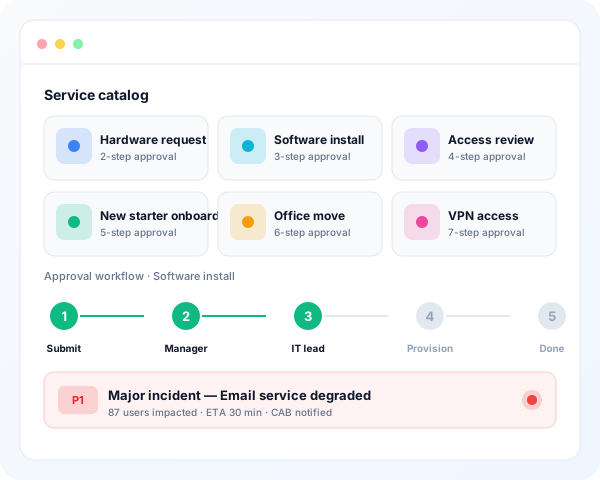
- Change risk scoring from impact, urgency, rollback difficulty and similar past changes. The CAB sees the score before it opens the ticket.
- An approval assistant that sums up each pending approval and shows similar past approvals from the same requester.
- Contact-centre reply suggestions, plus a daily summary of unread notifications.
Accountable by design
- Every call is logged. The Usage Panel records each AI call by user, kind, model, tokens and cost, and you can filter and export it.
- Spend has limits. Per-role cost caps stop runaway spend. A repeated summary of an unchanged ticket comes from cache at no cost.
- Quality is rated. A thumbs up or down on each response feeds a dashboard of the tools your team trusts.
- The timeline tells the story. Every ticket change the AI makes writes a visible comment, such as "Jane asked AI to draft a reply, then sent it".
- You decide who uses what. Admins choose which roles can use which AI tools. A common rollout starts with Level 2 and opens to Level 1 once the drafts look right.
- Prompts are editable. Prompts live in the database and can be tuned without a redeploy, with built-in defaults as a fallback.
Deterministic where it matters
The chatbot sorts each message into one of nine intents, routes it through a fixed graph and answers from your knowledge base. When it changes a ticket, it leaves a comment, so the audit trail stays clear. The AI workflow builder has a visual canvas and a JSON view, nine node types, templates, versions and run history.
Your model, your network
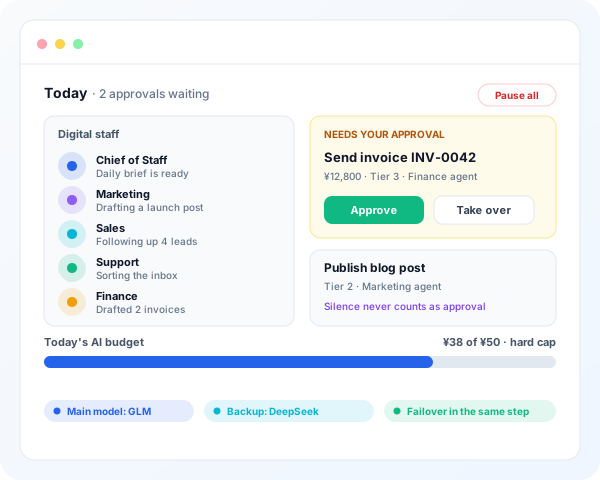
X-ITSM works with any OpenAI-compatible endpoint: OpenAI, Anthropic, DeepSeek, or a local llama.cpp, Ollama or vLLM server. Set a fallback model, and new requests move to it when the main model fails. Regulated teams can run the whole stack air-gapped.
Start with a pilot
We run scoped 90-day pilots: we help connect your model, set up your first three use cases and measure the effect. See X-ITSM AI features or talk to us.