Inside the X-ITSM AI Agent: answers in the chat, tickets that follow through, a person when it matters
The AI service desk agent built into X-ITSM answers employees in Teams, WeCom, Feishu and the portal from your own knowledge base, does the ticket work in the chat, and hands over to a person when it should.
Say an employee messages IT after hours: an app won't open, there is a screenshot, and the service desk has gone home. A typical chatbot either guesses or opens a ticket nobody reads until morning. The X-ITSM AI Agent is built for that moment. It answers from your own knowledge, does the ticket work inside the conversation, and brings in a person when it should.
Help where people already work
The agent answers in Microsoft Teams, WeCom, WeChat, Feishu, DingTalk, Youdu, WhatsApp and the self-service portal chat. It reads pictures and files instead of ignoring them, and it fits each reply to the channel: full steps where links cannot be opened, plain text on WhatsApp.
Answers grounded in your knowledge
Replies come from your knowledge articles and resolved incidents, and the agent names the articles it used. If they do not cover the question, it says so instead of guessing, and any general troubleshooting steps are clearly labelled as such. It never claims to have done something the system did not do.
Each answer uses one language: English, 简体中文, Русский or ไทย, judged from what the user actually wrote. Article content in another language is translated.
Ticket work inside the conversation
- Logs incidents in the user's language, created in the chat with priority, team and SLA.
- Answers "what's happening with INC-…" from the ticket itself, and pushes progress back into the chat.
- Follows up instead of duplicating. "Still broken" updates the open ticket rather than opening another.
- Keeps the record. The conversation is added to the ticket as a note.
A person at the right moment
When the user asks, or after repeated misses or errors, the chat goes to an online agent with the full transcript and the AI's summary, not to an empty queue.
After hours, the agent assesses urgency and applies VIP priority. When it is urgent, it phones the on-call engineer, then the leader and the manager if nobody answers.
Three outcomes, all recorded
Every AI conversation ends one of three ways, and each gets a record:
- Solved by the AI. The user confirms, or does not come back within the follow-up window. Measured as the solved rate and agent time saved.
- Ticket logged. Measured as AI tickets by day, channel and agent.
- Handed to a person. Measured as the handover rate and its reasons.
So the question "is the AI actually helping?" has an answer in numbers, not impressions.
Run by the IT team
- Several AI agents, each with its own instructions, knowledge bases, tools, model and channels.
- Test before you publish: a test chat that explains each reply, replays of real conversations, test cases, and versions you can restore.
- AI writes knowledge articles: daily drafts from resolved tickets and chats, with duplicates skipped, plus drafts for questions it could not answer. Staff review them first.
- Working-hours rules: choose AI or a live agent separately for working hours and after hours, with per-user exceptions.
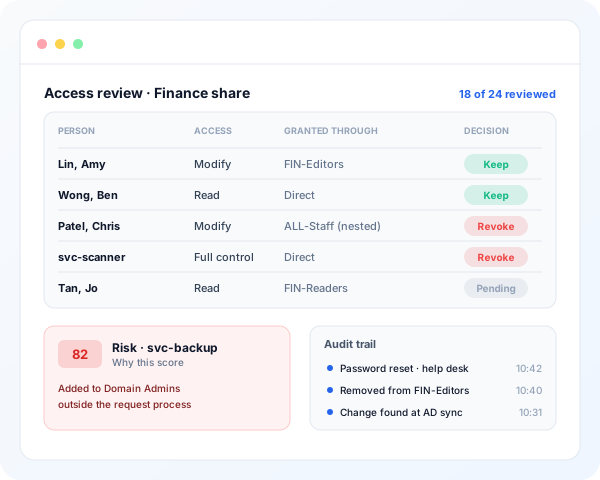
- Under control: Teams credentials are encrypted, contacts are verified by work email, and every step is audited.
Your model, your deployment
Connect your own model endpoint, and run X-ITSM in the cloud, in your data centre or offline.
Start with one channel
Start with one channel and your existing knowledge base. The default agent works on day one; tune it as the results come in.
Download the one-page flyer (PDF), see X-ITSM or talk to us.