When a service goes down, tell everyone in Teams in minutes: X-ITSM outage notices
X-ITSM's AI drafts the outage notice from the facts, IT approves it, and every affected employee gets it as a personal Microsoft Teams message, with updates and a recovery notice to follow.
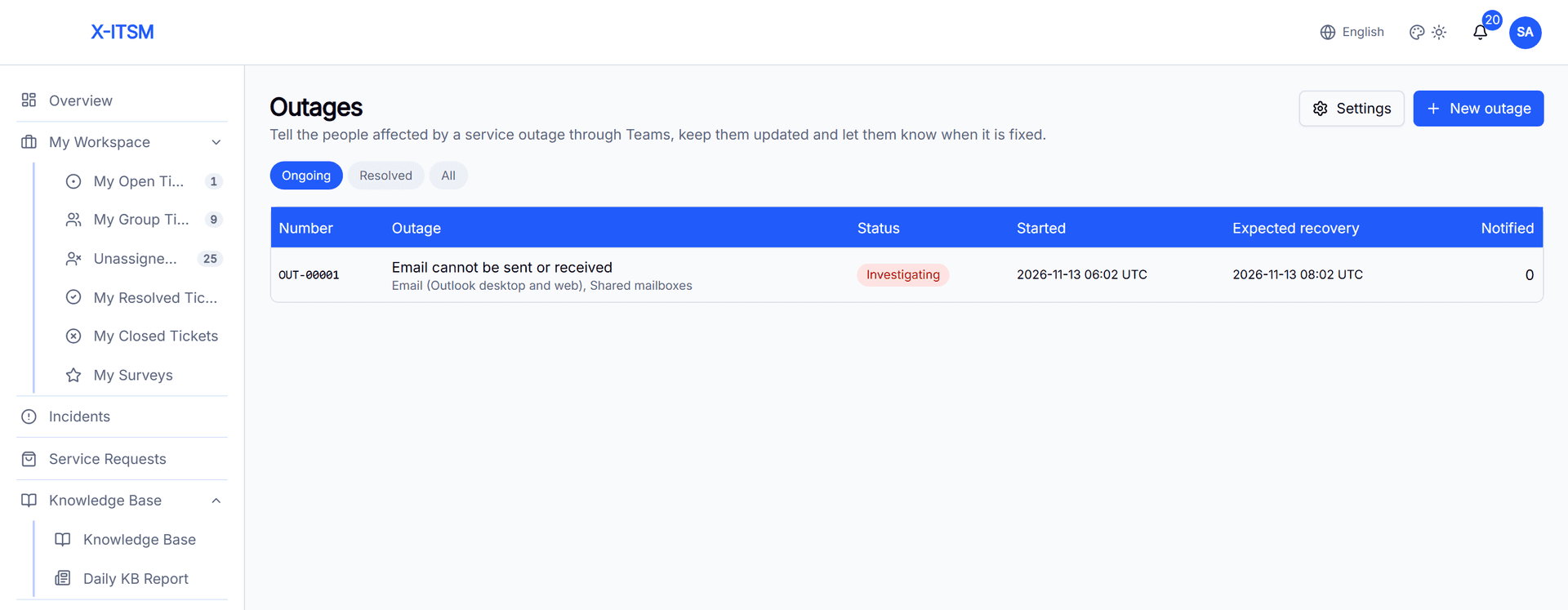
When email, VPN or a business app goes down, the service desk is flooded with the same question within minutes. Every call and ticket asking "is it just me?" takes time away from fixing the problem. X-ITSM outage notices answer that question before it is asked: one notice, written by the AI, delivered to each affected employee in Microsoft Teams.
The AI writes the notice
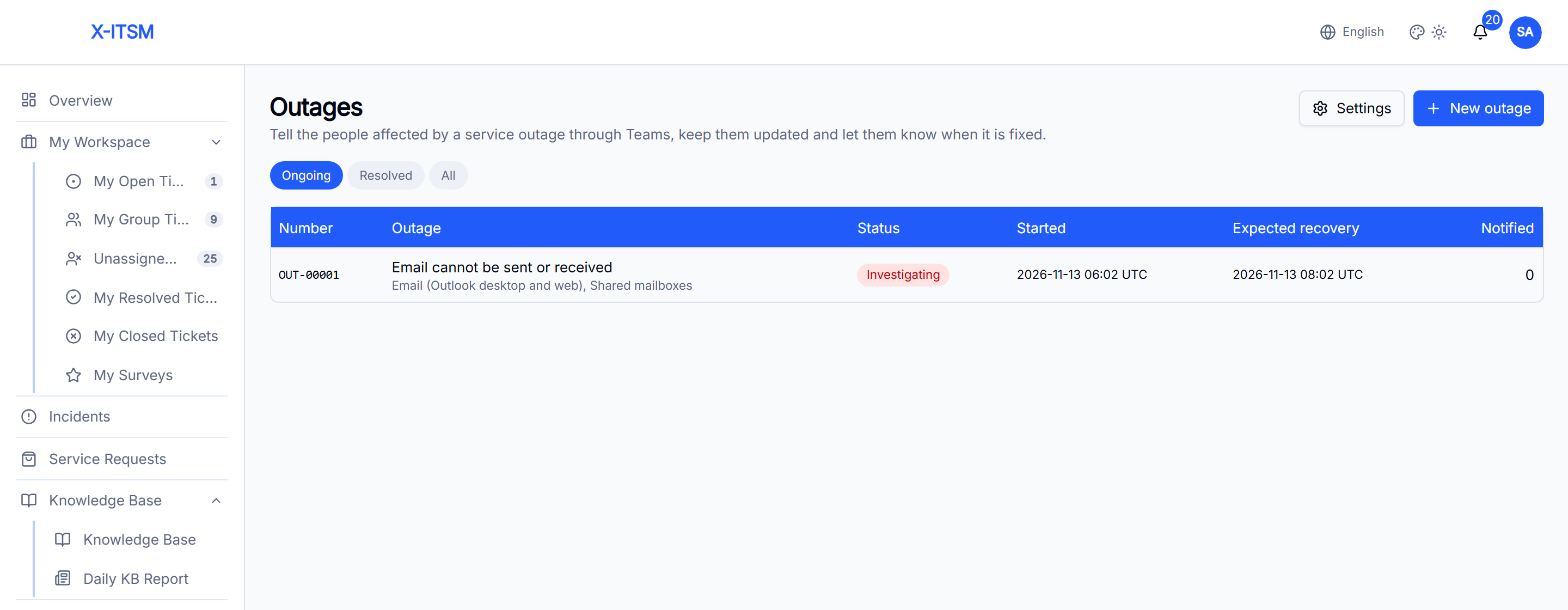
Fill in what you know: the title, the affected services, the impact, the status, the expected recovery time and any workaround. The AI turns these facts into a short, calm notice and suggests the keywords employees are likely to use.
It writes only from the facts you entered. It never adds a cause, a fix or a time that is not there; if the recovery time is unknown, the notice says it is being assessed. You can edit the draft, and if no model is connected, a standard template is used.
Reach exactly the right people
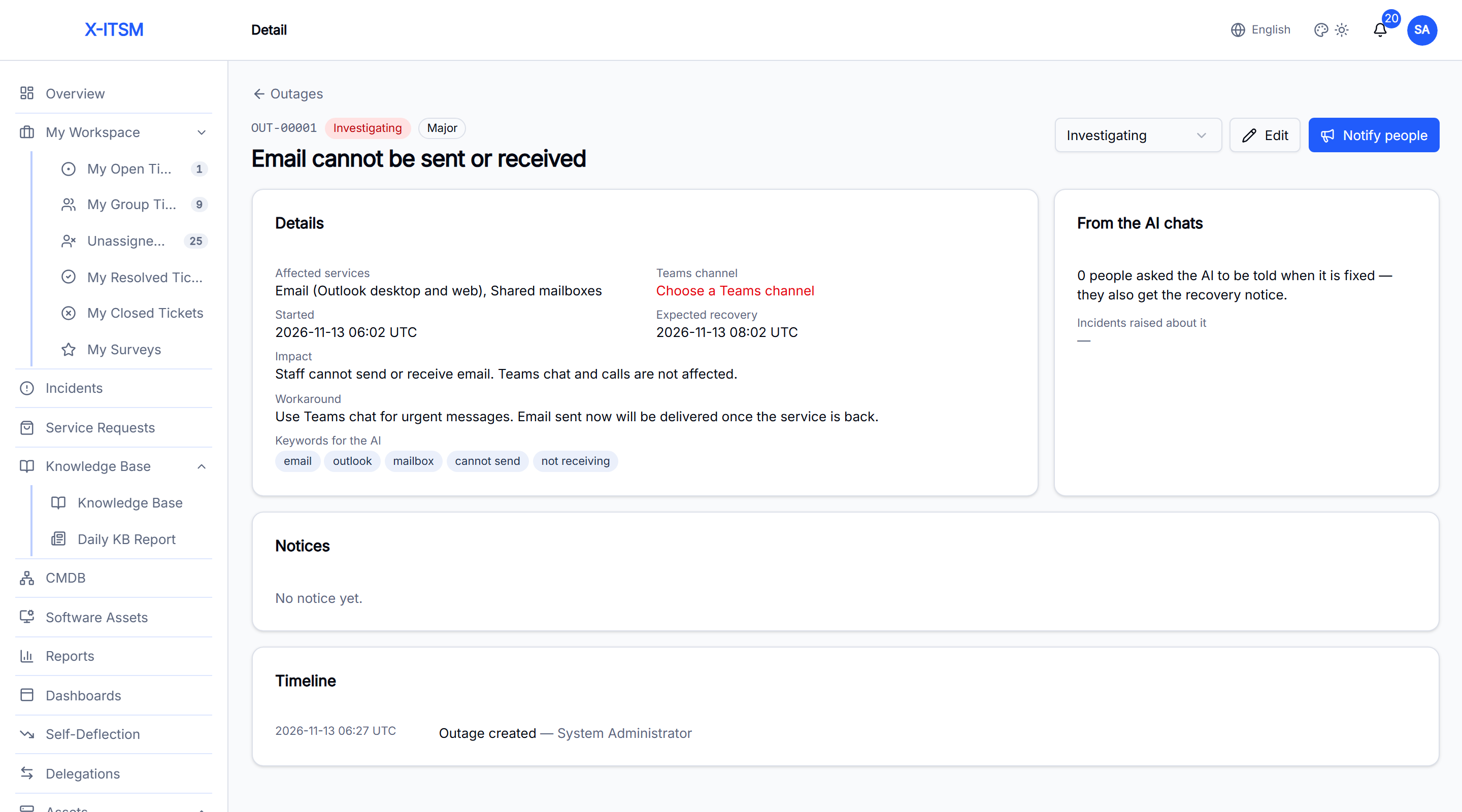
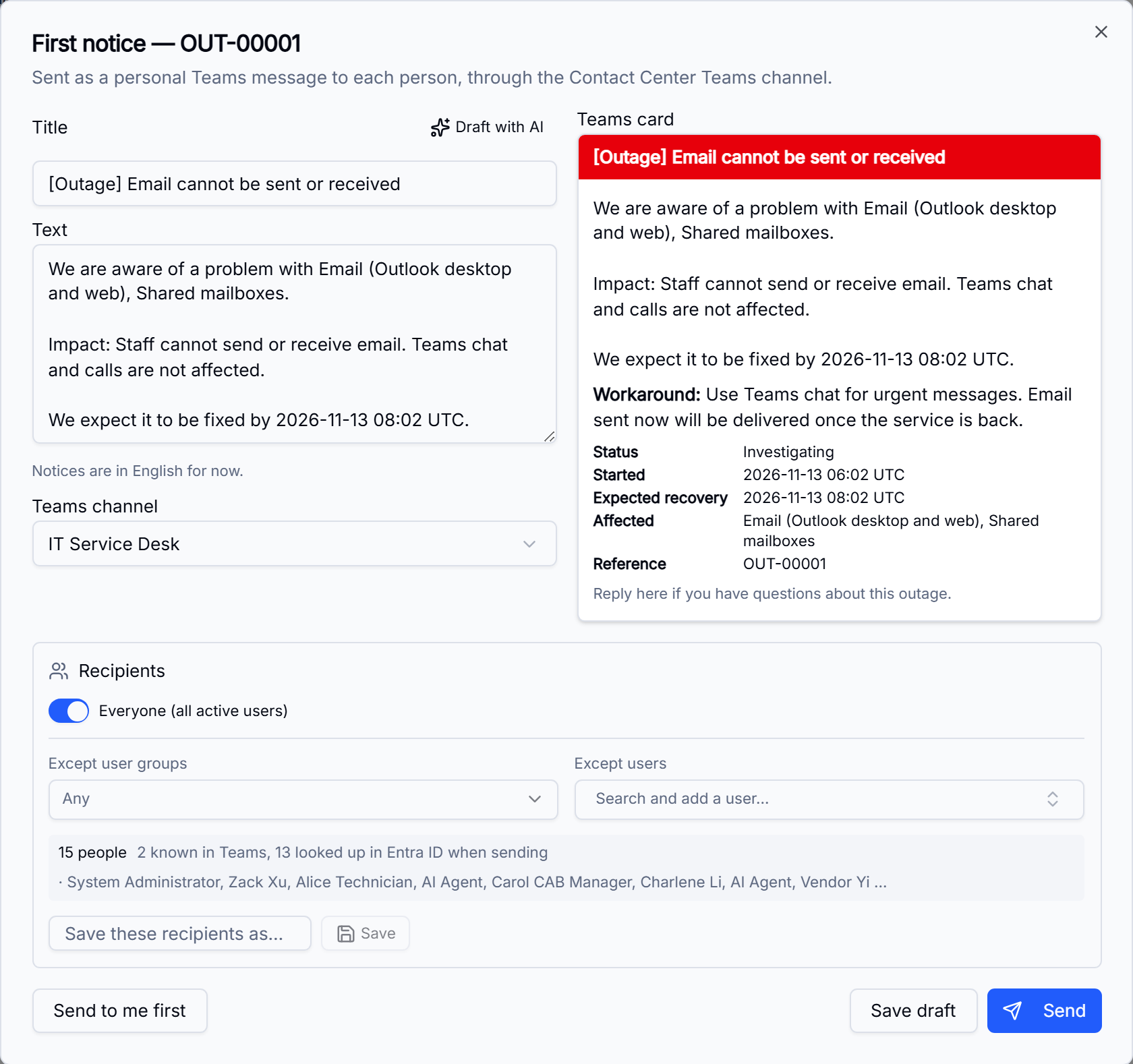
Send to everyone, or to any mix of user groups (nested groups included), departments, locations and named users, and exclude users or groups as needed. Before sending, X-ITSM shows how many people the notice will reach and previews the Teams card. You can also send it to yourself first.
Approved before it goes out
The first notice, and the updates that follow, can each require approval by a named approver or approval group. Each step, from creating the outage to approving and sending notices, appears on the outage's timeline and in the audit log.
A personal Teams message, not another email
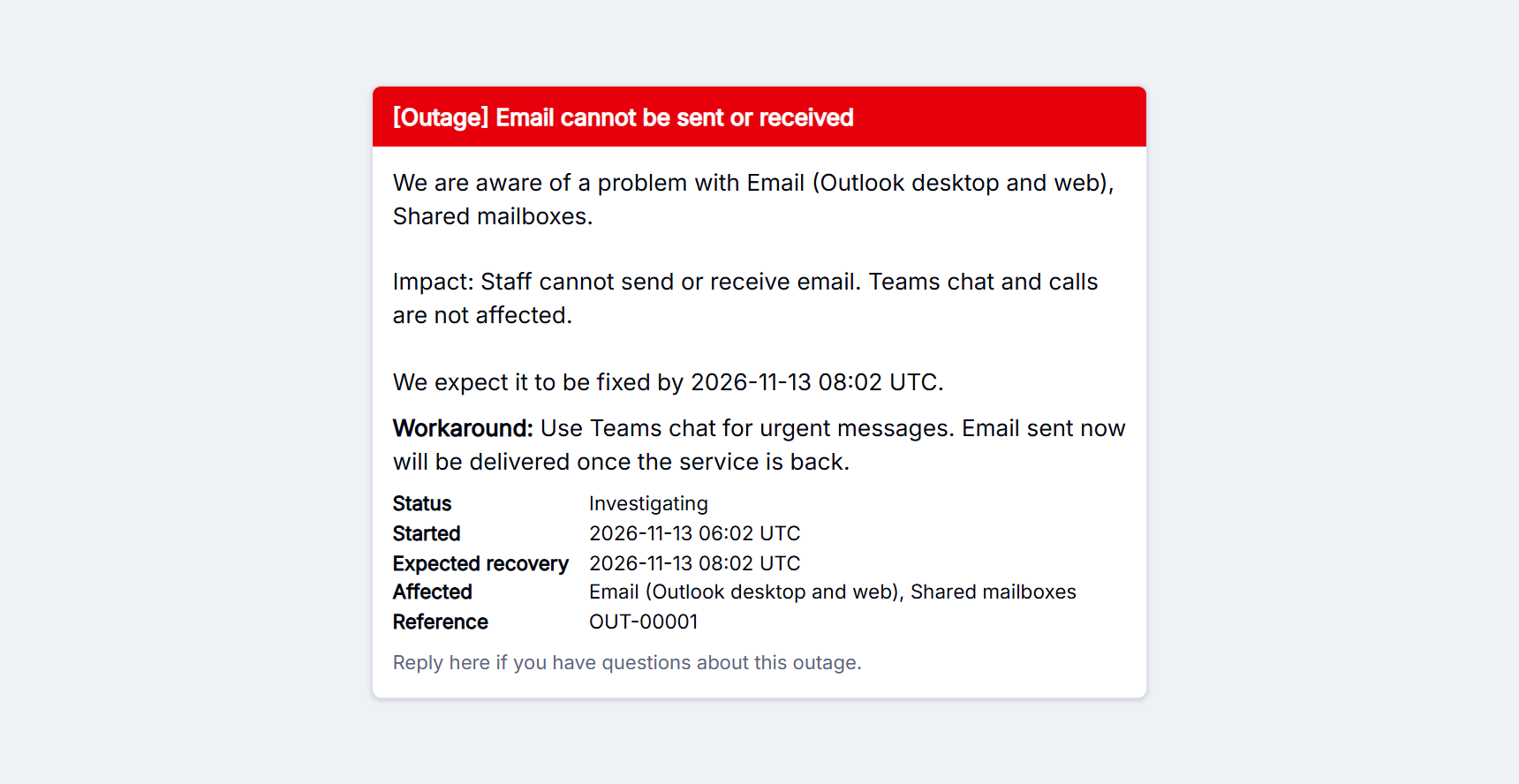
Each employee receives the notice in their own chat with the company's Teams bot, as a card coloured by status. It shows the status, the start time, the expected recovery, the affected services, the workaround and a reference number. Times are shown in UTC, so teams in different time zones read the same time. Choose the notice language (English, 中文, Русский, ไทย or العربية) and the card's labels and the AI draft follow it.
X-ITSM finds each person's Teams account from their earlier chats with the bot. Where the bot app is allowed to read the directory, it also finds people by their work email in Entra ID.
Know who was reached
Notices are sent in batches to stay within Teams rate limits. Temporary failures are retried, and sending carries on after a restart. For every recipient you can see whether the notice was sent, failed or skipped, and why: for example, the person has no Teams account or the app is not installed for them. You can stop a notice that is still sending.
The AI assistant knows about the outage
When someone asks the X-ITSM AI Agent about a problem that matches an ongoing outage, the agent recognises it from the outage's keywords and affected services. It explains what is known, shares the workaround, and offers to let the user know when the problem is fixed. Those who say yes receive the recovery notice too. If a ticket is still needed, it is linked to the outage instead of standing alone in the queue.
Updates until it is resolved
As the status moves from Investigating to Identified, Monitoring and Resolved, the AI drafts each update and the final recovery notice from the latest facts. Employees hear about progress without having to ask.
Get started
Outage notices use the Teams channel already set up for the X-ITSM AI Agent. See X-ITSM or talk to us.